Multimodal Communication UX
2020
"Multimo", an app for K-12
Role
Project Lead, Lead Designer
COLLABORATORS
Middle/high schools (United States), External Dev Vendor (Ukraine)
Duration
12 months
Contribution
Led the end-to-end discovery, strategy, design, and validation of Multimo, turning an education opportunity into a working proof of concept and using two classroom pilots to determine what should move forward that shaped the concept’s eventual pivot.
The Solution
What is Multimo?
A more natural way to communicate in the classroom
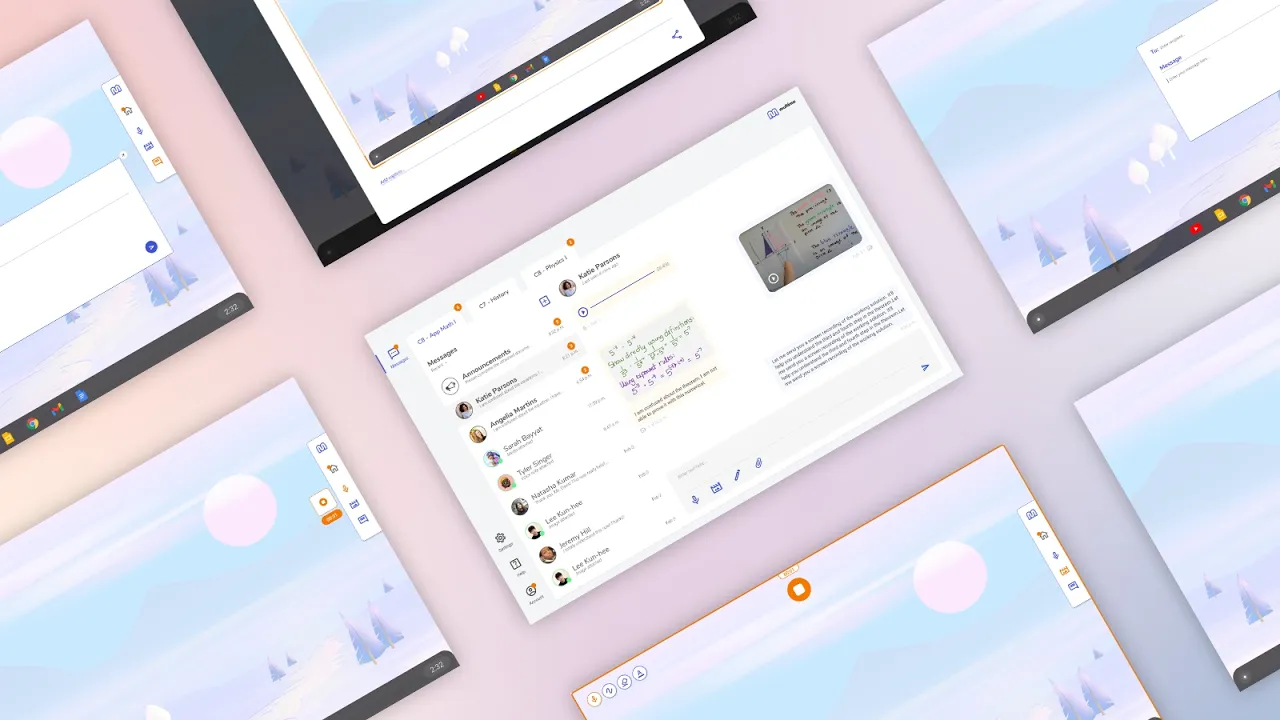
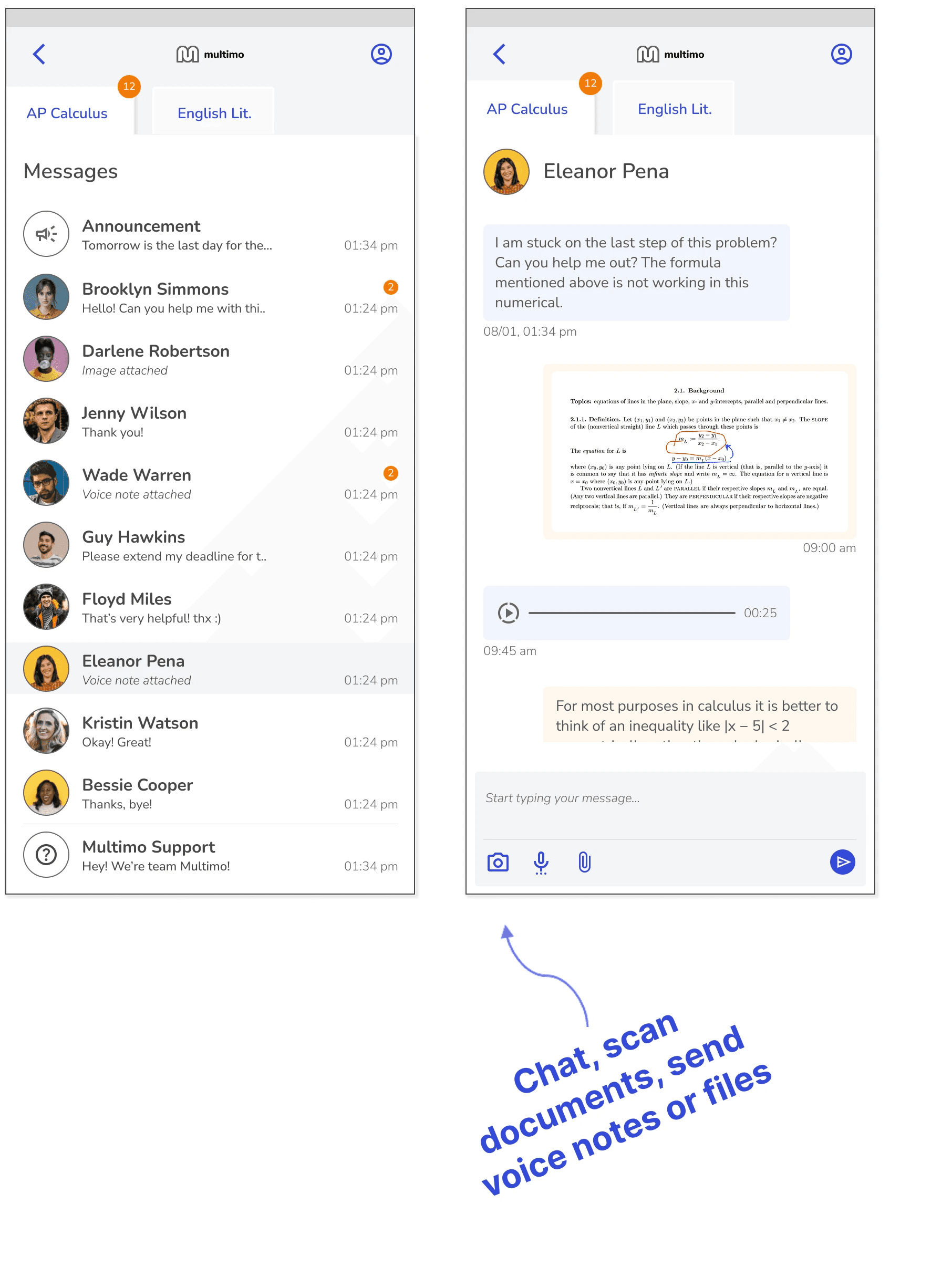
Multimo brings multiple methods to create, capture and share content into one platform. It is a multimodal communication app designed to help students and teachers communicate with more context. Instead of relying on formal email or text alone, students could combine messages with screenshots and screen recordings with markup, voice notes, whiteboarding, and attached documents.
It contains 2 key components:
1. TOOLBAR | Used to capture thoughts and questions, in context, using the input methods
2. DASHBOARD | Used to send and receive multi-modal messages
It is intended to be used along with other apps.

Multimo Demo
Multimo Features

Multimo's Android and iOS app
We brought Multimo to mobile for familiar, quick access and easy document capture.
User Needs and Pain Points
Early research revealed these recurring Interaction and Communication gaps, between students and teachers, which led us to explore, iterate on, and ultimately build Multimo.
KEY INSIGHT | Our research with students and teachers made it clear that the #1 problem they need help solving was improving communication between students and teachers.
Specifically, students need help initiating communication and both students and teachers need help clarifying communication.
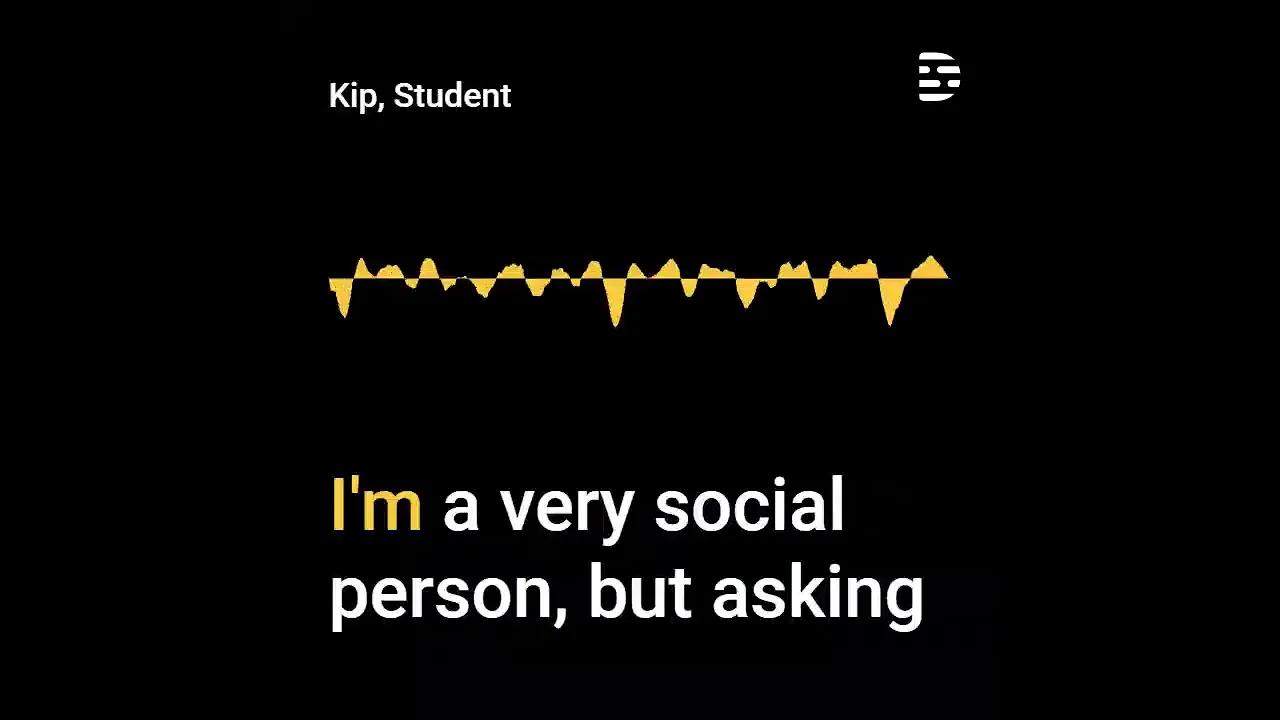
Student aren’t comfortable asking for help
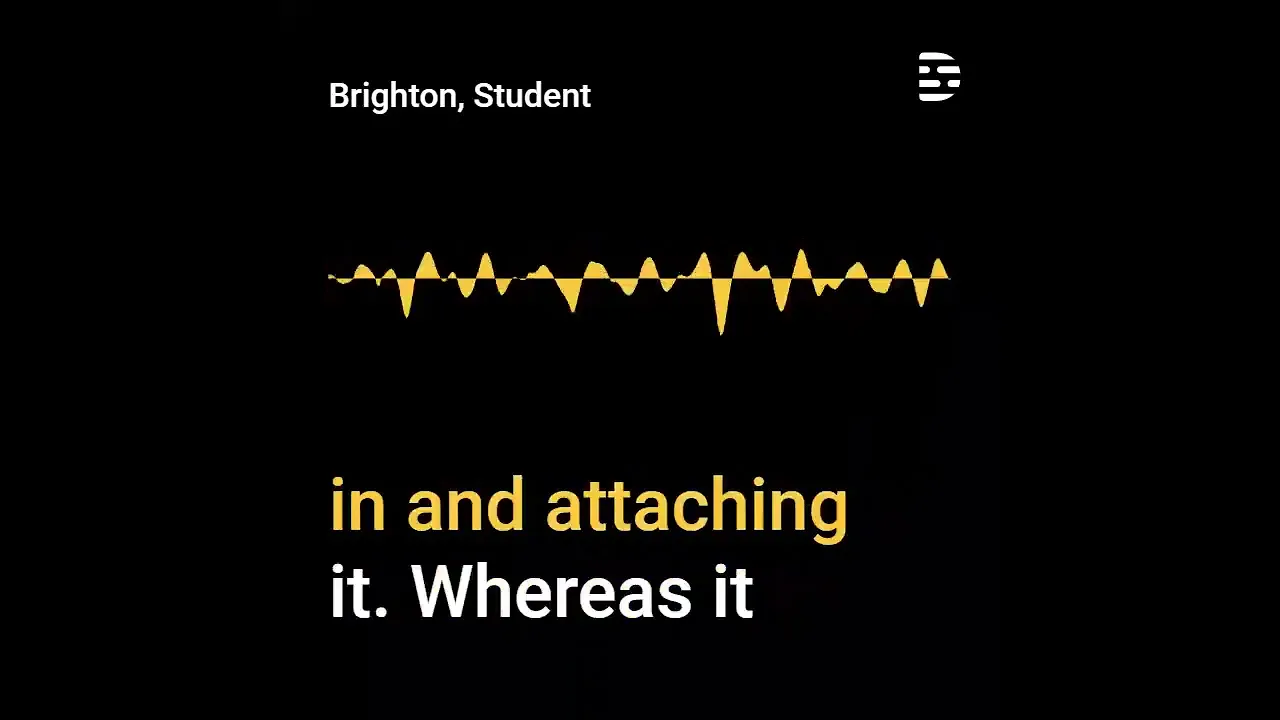
Email isn't solving the problem
Channel organization is messy
Simplifying workflows

Market Gap and Competitor Landscape
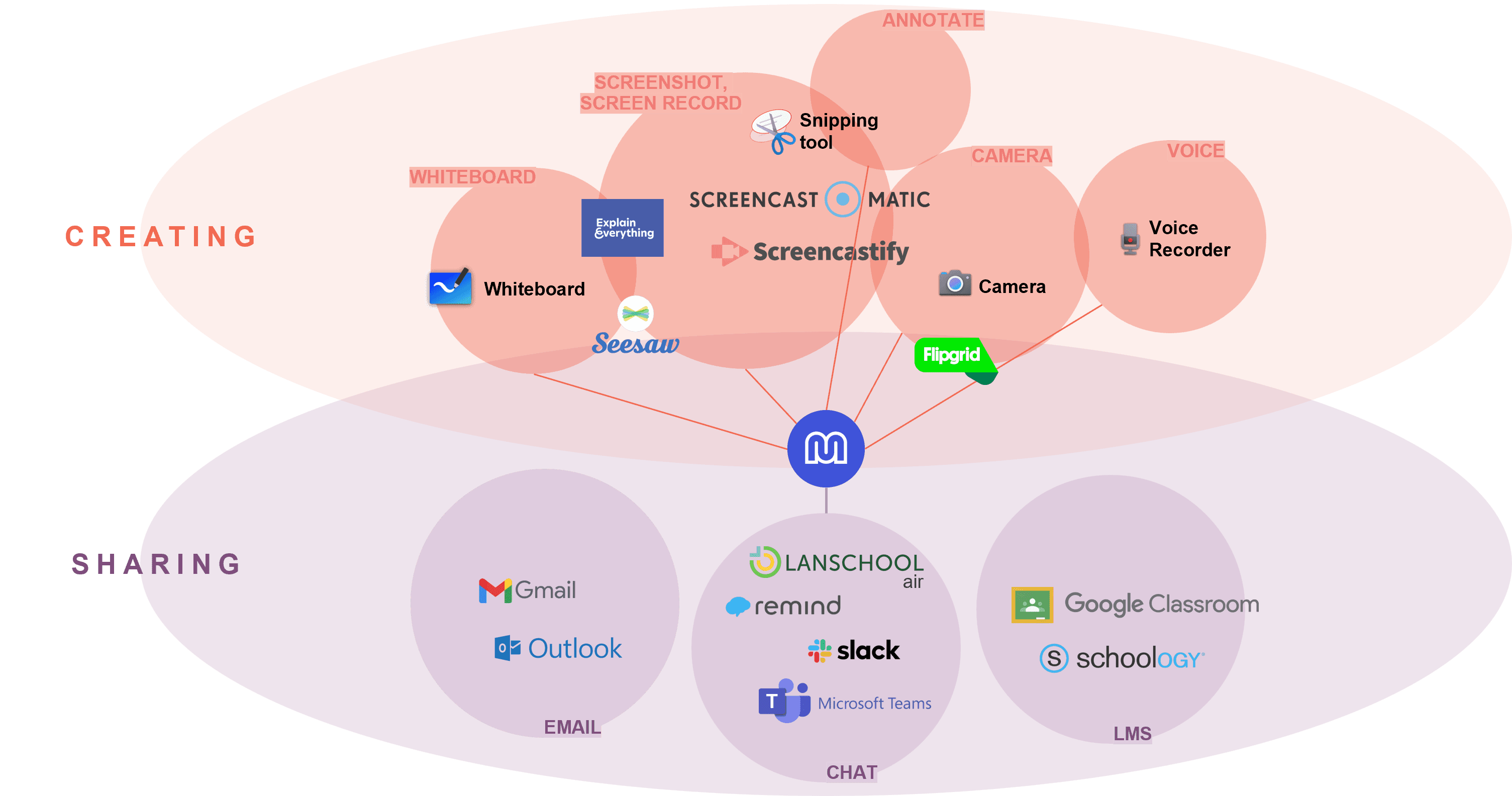
Multimo simplifies workflows by bringing various Creation tools together and combining them with the Sharing process.
Background
Process Snapshot
Multimo came out of a broader investigation, evolved through multiple research and development phases, and was eventually tested in real classrooms.

Concept Evolution Snapshot
Research narrowed a broad set of classroom interaction opportunities into Multimo, an MVP was progressively tested and refined through two classroom pilots.

Pilot Testing
2 Pilots conducted in the United States

Goals of Pilot Testing

Compilation of Broader EDU findings

Pilot A - Testing Results


Students use the Multimo Chat to initiate conversation because it is easier and a lot more approachable than email
Multimo has potential to help students who don’t normally speak up in class to share within their comfort zone


Multimo has potential to simplify workflows by bringing tools together and centralizing communication channels.
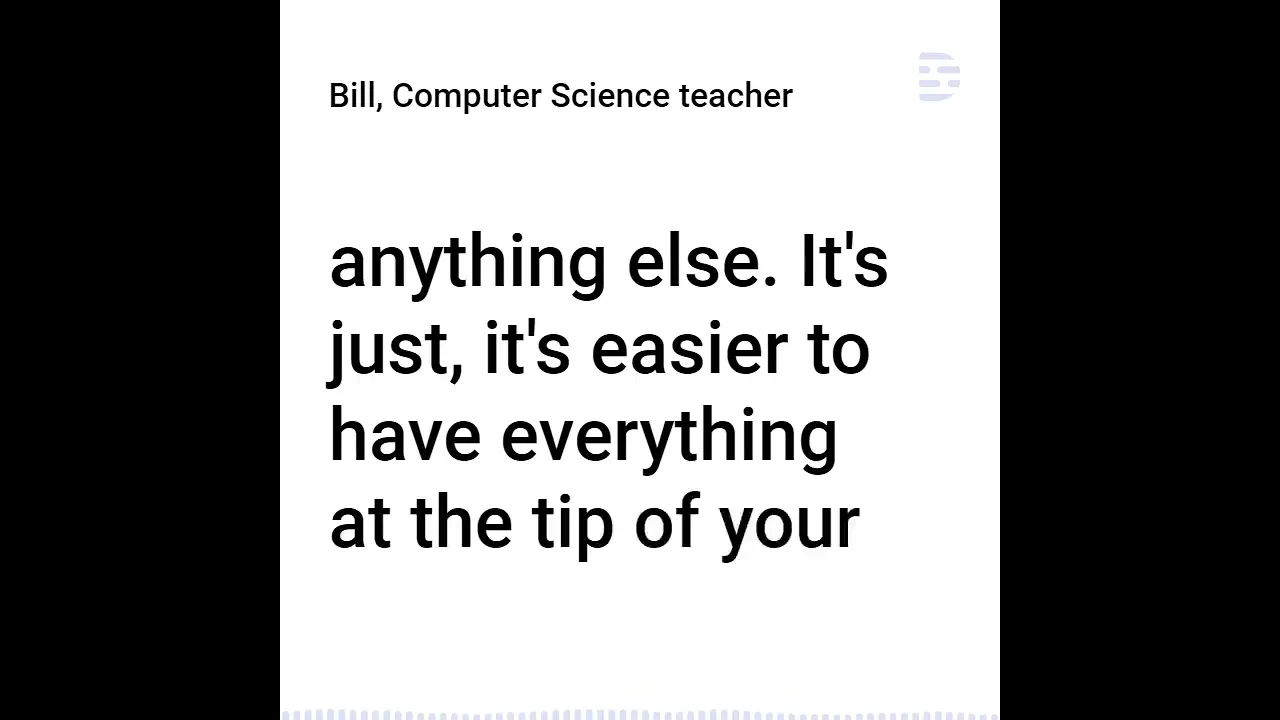
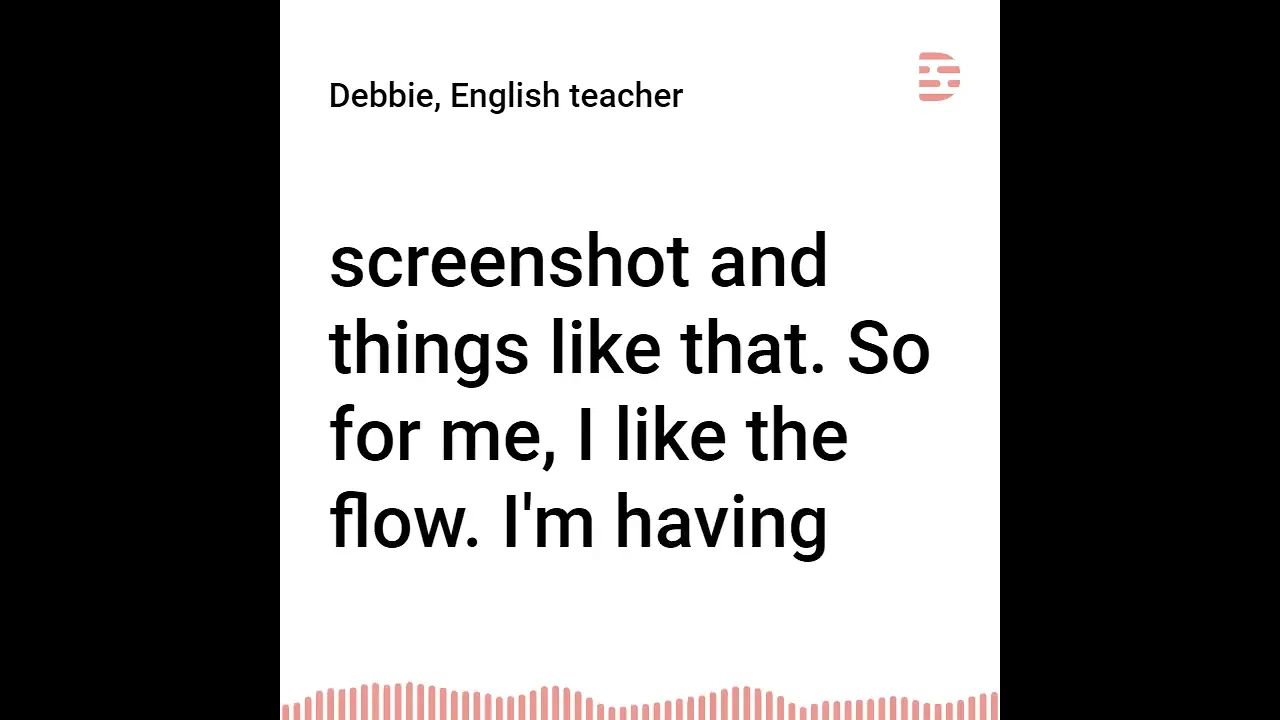

Pilot A —> Pilot B | Design Changes

Pilot B - Testing Results
Analytics Dashboard

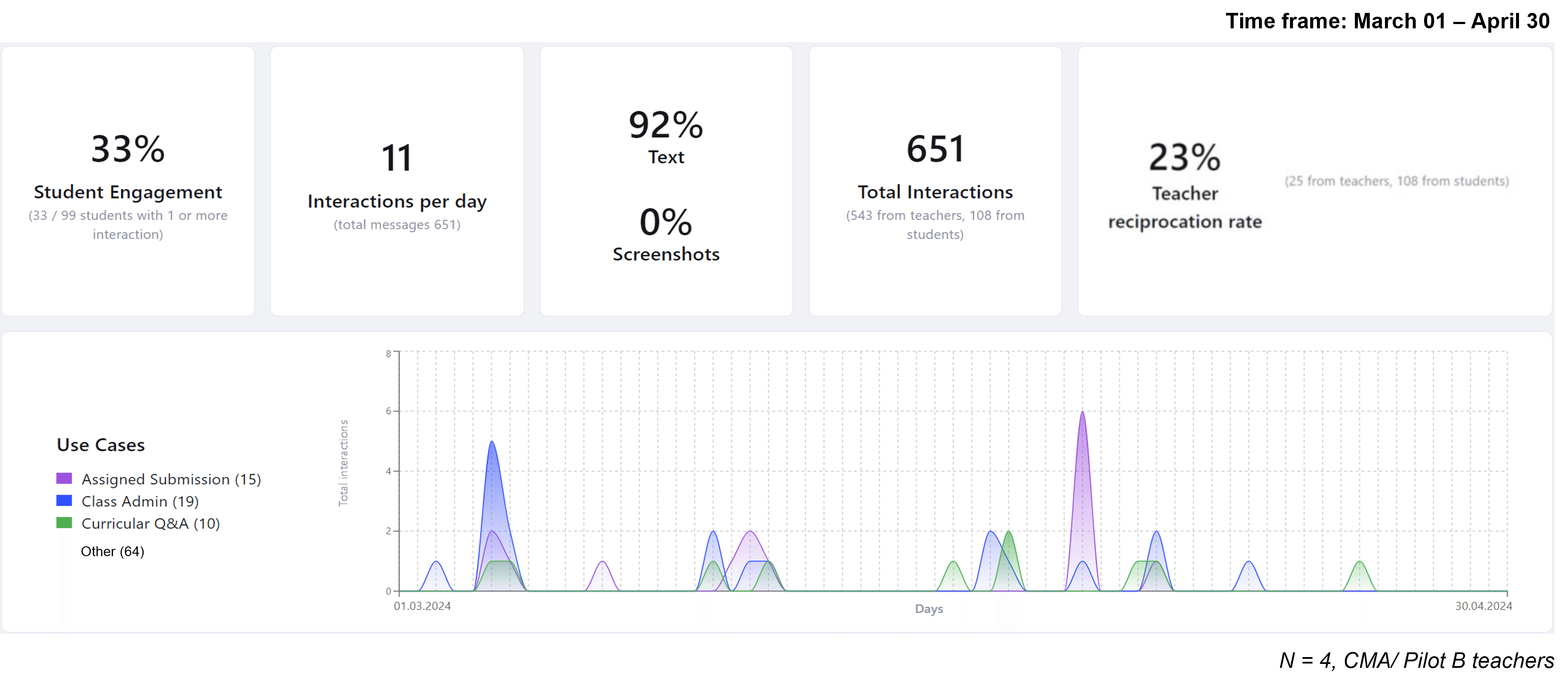
When looking at a narrowed timeframe (March – April), engagement drops off
Low teacher reciprocation rate, if we assume 1:1 message ratio
Almost all interactions are text form, 8% are screenshot, voice note, video, or markup.
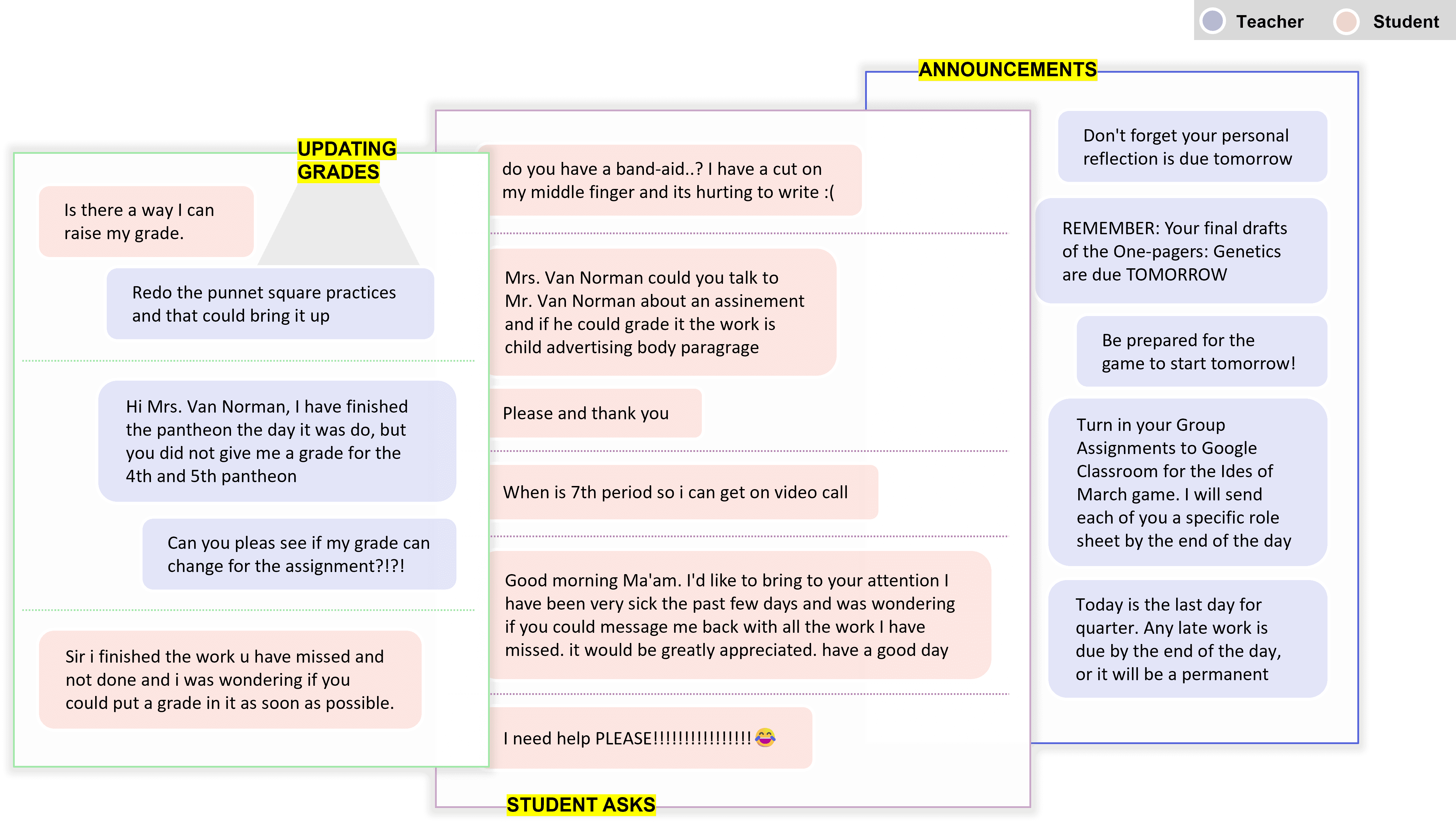
How Multimo was used? | Use cases from the Pilot
Messages captured during the pilot show how students and teachers used Multimo across different classroom scenarios.


Fundamental question - Is Communication still a gap?
Student Needs
Overwhelmingly, teachers wish students were able to communicate about what they are struggling with, reasons for lack of motivation, and not suffer in silence
Teachers also want students to reach out to them about their academic interests.
The Core Need
The most common sentiment is that communication between teachers and students is critical, but the solution needs to be deeper than just providing a medium for it to take place. Students don’t know how to communicate generally, not just with teachers
Teacher Needs
Although teachers are eager to assist students when they are stuck, if students do begin to reach out more frequently, the volume of communication will increase, and the reality is that teachers do not have the bandwidth and capacity to cater to student needs 1:1
A summary
Teachers are overwhelmed by unclear, low-quality communication.
Students often struggle silently, while teachers lack effective ways to encourage help-seeking and understand where support is needed.
Larger, more diverse classes are increasing the need for self-paced learning and individualized support.
Managing the LMS, monitoring tools, messages, and classroom activity creates significant multitasking and tool overload.
Teachers spend substantial time on administrative communication and other non-teaching tasks.
Final verdict - PAUSE
We paused the standalone product after the pilots showed that clearer communication alone did not address the deeper barrier to asking for help.

Learnings and Outcome
The non-negotiables in Edu
When launching a product or piloting a concept in Edu…

Building on What Multimo Couldn’t Solve
Ideated new ways to address Multimo’s remaining gaps, including AI-assisted concepts for helping students seek support and teachers manage incoming needs.
Feature Set A | Students
Communication initiation for students
HMW use AI to prompt students to seek help or guidance?
HMW use AI to help students frame clearer questions?

Feature Set B | Teachers
Assist teachers with student engagement, and admin tasks
HMW use AI to help teachers better triage and manage student communication, and cater
to 1:1 needs?HMW use AI assist teachers with their admin tasks?

Positioning Strategy | Ramping the solution up slowly, with staged training and orientation, pacing updates with slow, adaptive feature releases for better adoption
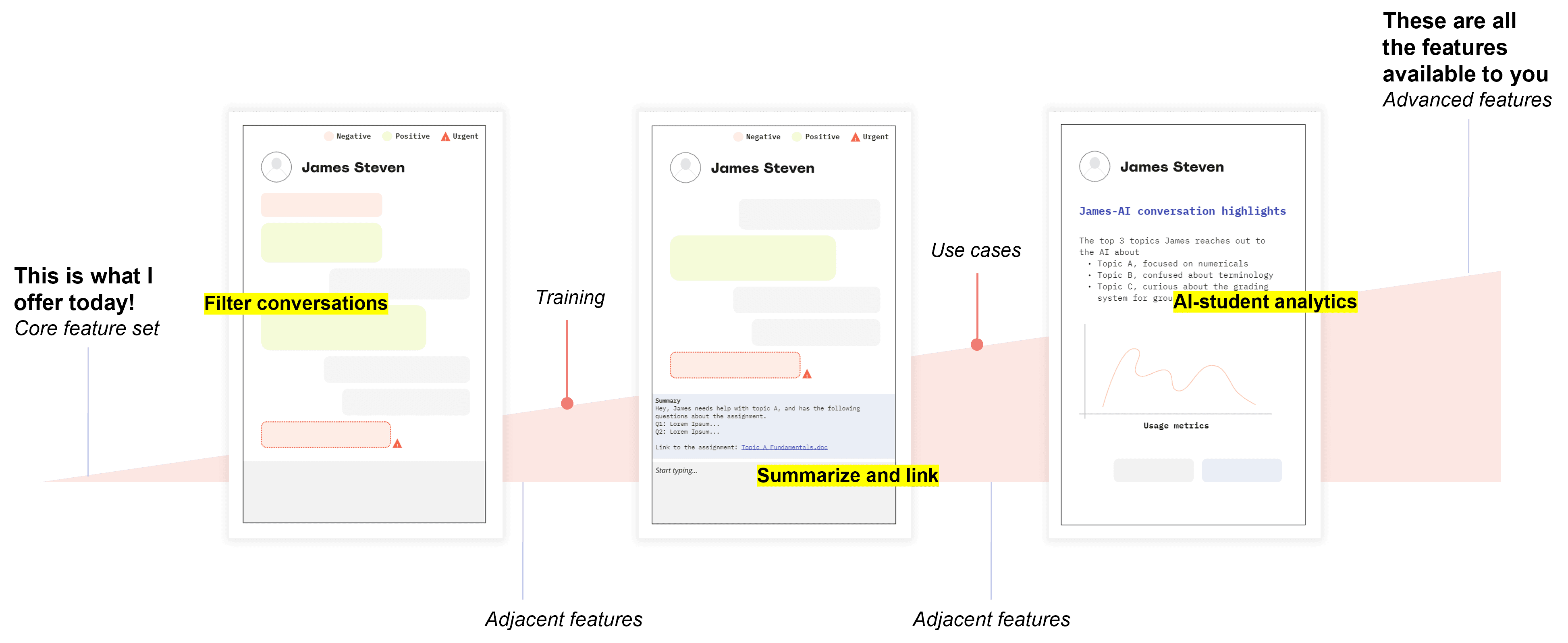
Pausing the Concept, Advancing the Idea
The Toolbar - A reusable interaction layer, adapted for Lenovo's Android, IdeaPad tablets
Multimodal input - A broader opportunity and focus area leading to multiple PoCs within the team


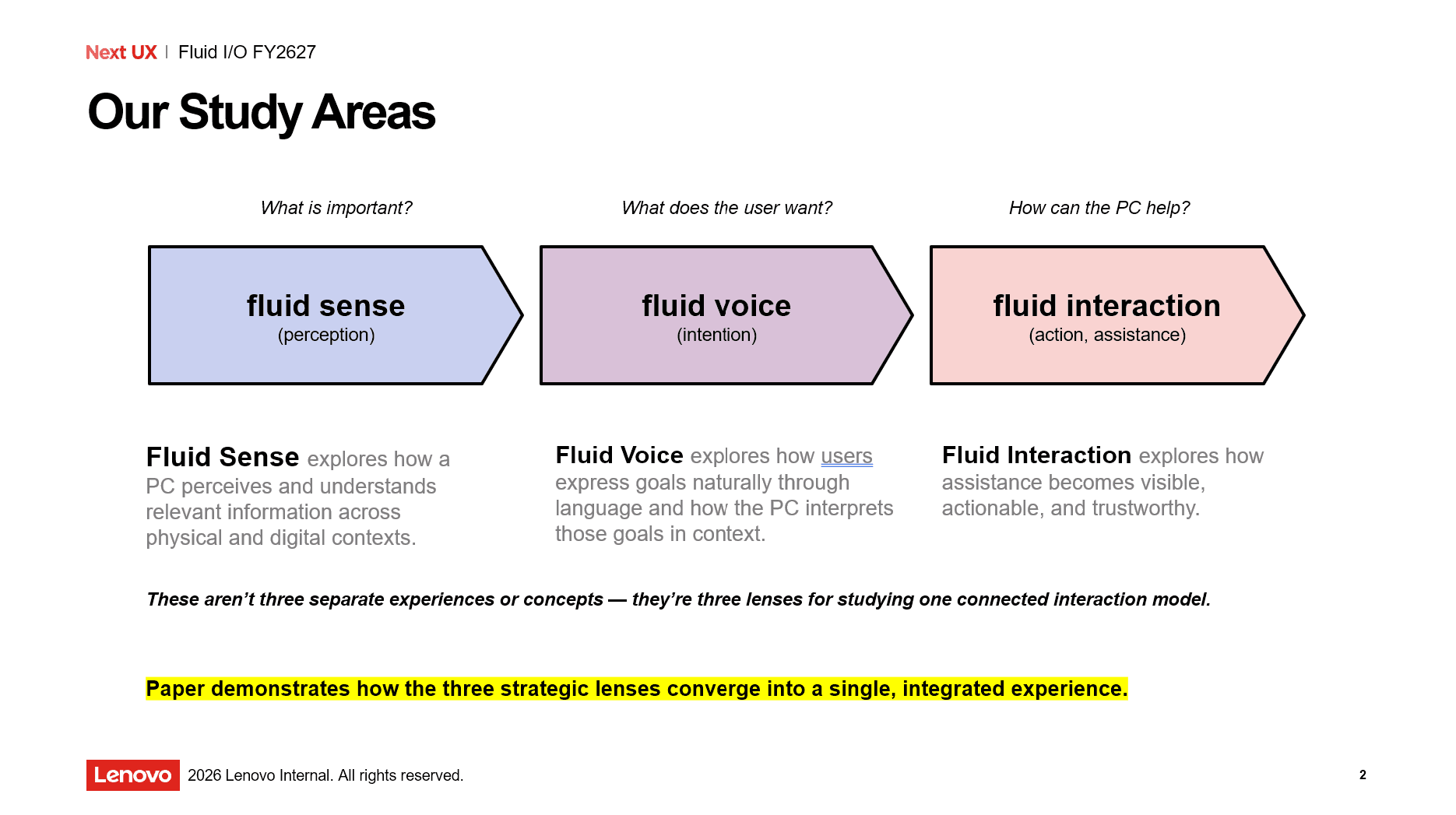


It also continues to inform explorations of lightweight AI interactions that stay out of the way while capturing context across PC experiences.
Exploring how Lenovo-owned inputs, from voice and touch to pen and vision, could work together to create more natural and differentiated interactions.